
Cut out images while you browse.
Right-click any photo on the web. The background disappears in seconds, and you download a clean, transparent PNG.
Runs on your device. No account. 10 images free.
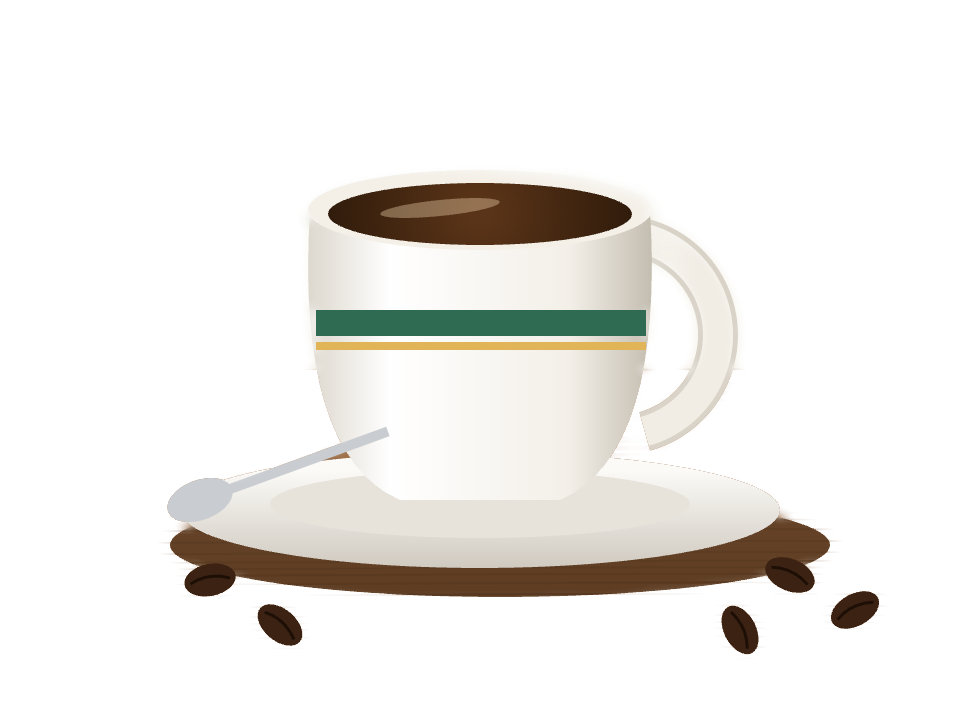
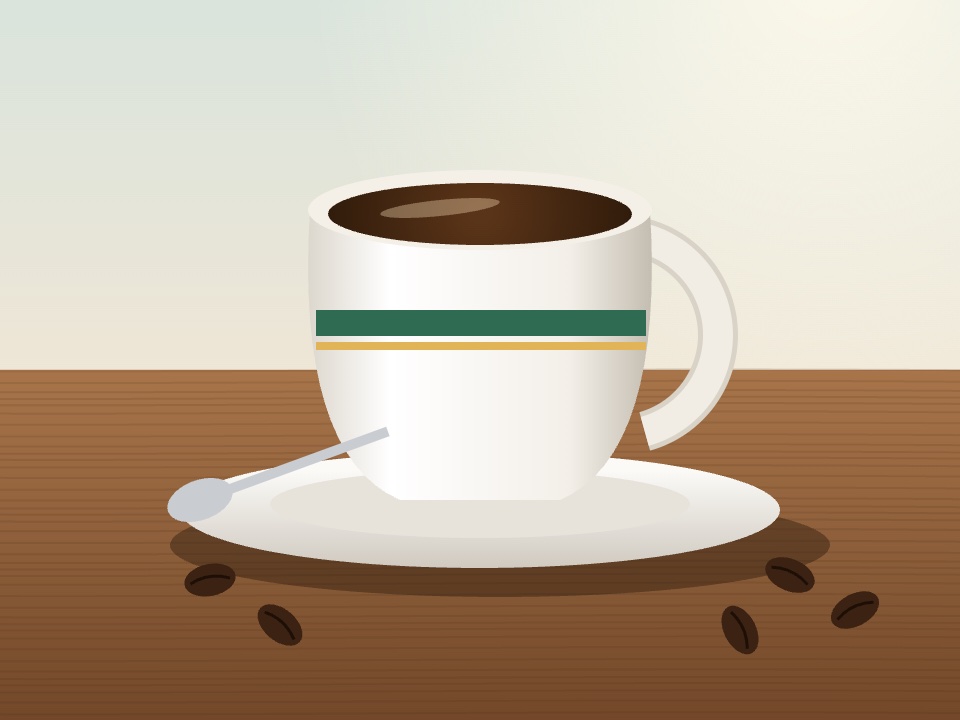 Original
Cutout
Original
Cutout
Three clicks, no upload
Right-click a photo
On any website, choose “Cut out with Cutout”.
Let it work
Cutout opens its editor and removes the background in seconds.
Download the PNG
Touch up the edges if you like, then save a transparent PNG at full size.
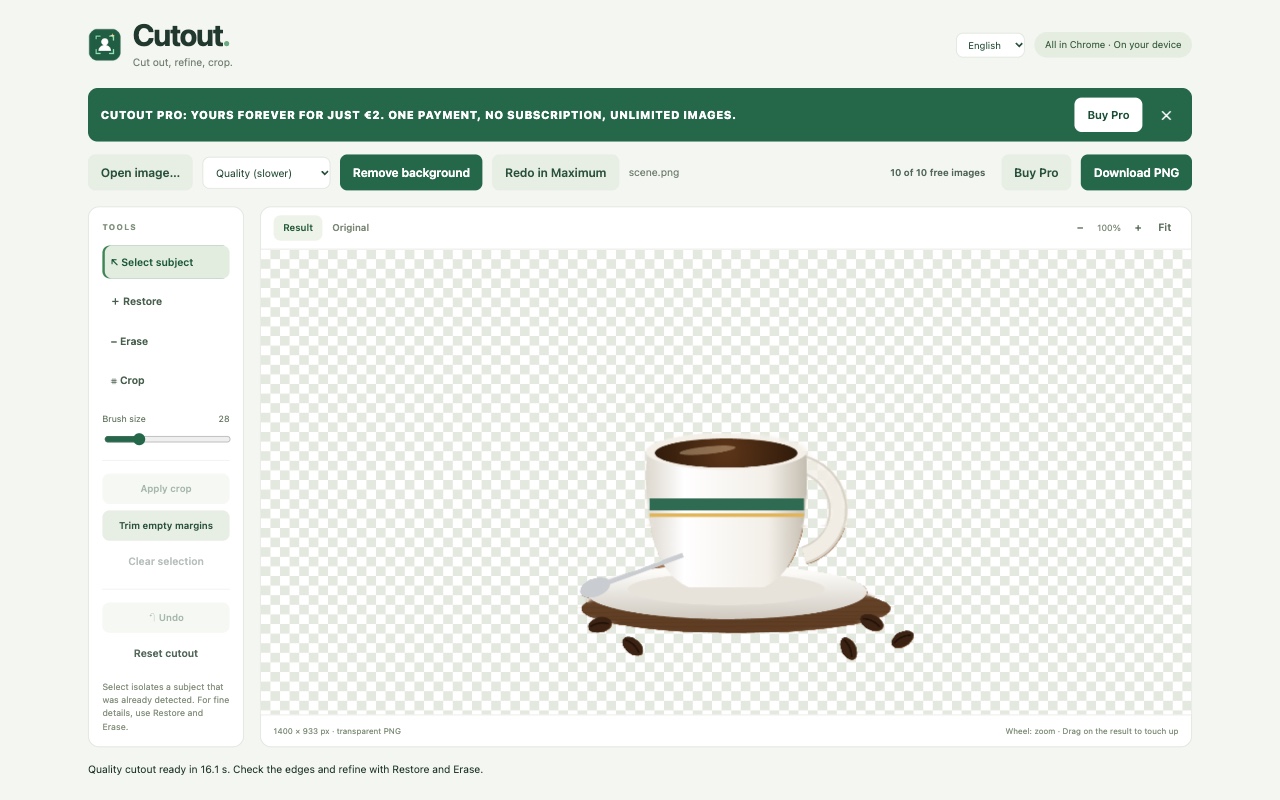
Pick speed or detail.
Three modes, one click apart. Start with Fast and switch up when a photo needs it.
Taller bar, more detail. Times are typical and depend on your computer.
Fast
A few seconds
Near-instant and works offline. Right for most photos.
Quality
Around 15 seconds
Sharper edges around hair, fur and busy backgrounds. Downloads a 44 MB model once.
Maximum
Up to a minute
The most detail for your hardest photos. Downloads a 192 MB model once and uses more memory.
Your photos stay on your computer.
Everything is processed inside Chrome, on your device. Nothing is uploaded, there is no account and there is no tracking.
Read the privacy policyFree to try. Yours for good.
- 10 images free to download
- Unlimited downloads with Pro
- All three modes, including Maximum
€2
one payment, no subscription
Buy Pro for €2Your license key arrives by email, usually within 24 hours. Paste it into Cutout and you are set.
Got a gift code? Click the image counter inside Cutout and enter it there.
Questions
Does it work offline?
Fast mode does. Quality and Maximum need a connection once to download their model, then they work offline too.
Which images can I open?
JPG, PNG, WebP, BMP and AVIF, up to 16 megapixels. You can also right-click an image on any website.
Is my photo uploaded anywhere?
No. Cutout processes the image inside Chrome on your device. The only download is the model used by Quality and Maximum.
A website blocks the image. What now?
Cutout asks your permission to read that image. If the site still refuses, save the photo and open it from your computer.
How do I activate my license?
Click the image counter at the top right of the Cutout editor, paste your key, and press Activate license.
I need help.
Write to [email protected] and we will get back to you.